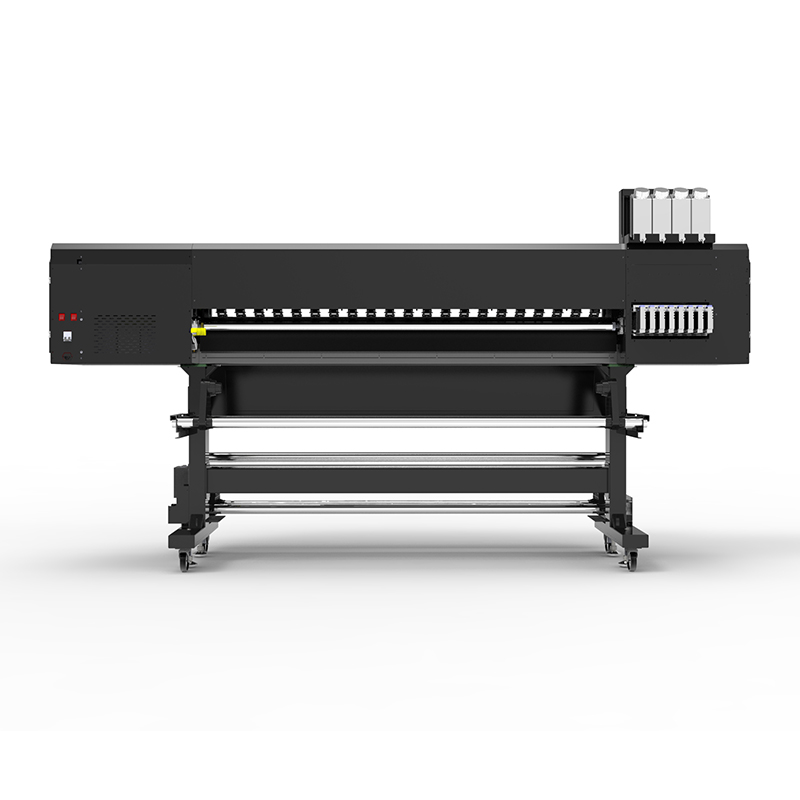
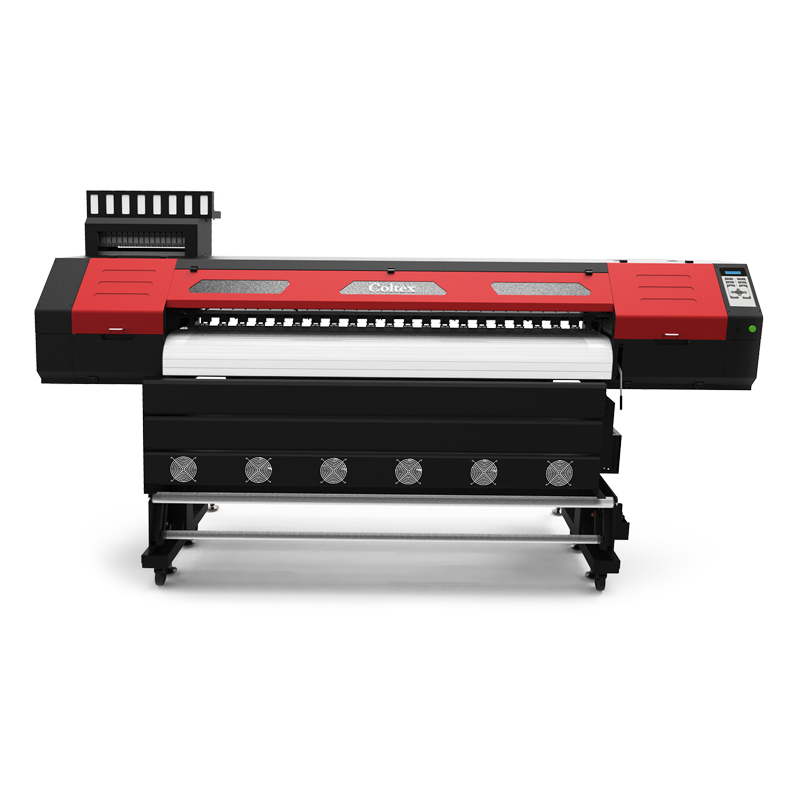
| MODEL |
CS3 |
|
| Print Head |
Epson i3200 |
|
| Acceptable Media |
Width |
1800mm |
| |
Weight |
200KG |
| Roll outer diameter |
Maximum 210mm |
|
| Core diameter |
3 in (76.2mm) |
|
| |
|
| 2 in (50.8mm) |
|
| Media take-up system |
Auto-Feeding system and take-up system |
|
| Printing width |
Maximum 1880mm |
|
| Maximum Printing Speed |
120 sq.m/hour |
|
| Ink bottles |
Type |
Dye Sublimation/Water Base |
| |
Capacity |
1.5Kg (± 100 ml) |
| |
Colors |
4 colors (Cyan, Magenta, Yellow, Black,) |
| |
Configuration |
CMYK |
| Ink curing unit |
Integrated Tri-Heating System,Extend infrated heating and cooling system |
|
| Printing resolutions |
Max 3200dpi |
|
| Interface |
USB 3.0 / Lan port |
|
| Power-saving feature |
Automatic sleep feature |
|
| Power supply |
Voltage and frequency |
AC 220 V ± 10%, 50/60 Hz |
| |
Required power capacity |
Maximum 20A (Printer 10A, Heater 10A) |
| Power Consumption |
During operation |
Maximum 2500W |
| |
Standby mode |
Approx. 200 W |
| Dimensions |
Machine(L*W*H): 3732*760*1612mm |
|
| |
Package(L*W*H): 3900*750*850mm(Printer) |
|
| |
|
|
| Weight (with stand) |
G.W:455KG N.W:355KG |
|
| Environment |
Power on |
Temperature: 68° to 90°F (20° to 32°C) (72°F [22°C] or more recommended) / Humidity: 35 to 80% (no conde nsation) |
| |
Power off |
Temperature: 41° to 104°F (5° to 40°C) / Humidity: 20 to 80% (no condensation) |
| |
|
|
| PrintLinks System Requirements |
|
|
| Operating system |
Windows® 10 (64-bit) |
|
| CPU |
Intel® Core™ 8, 4.0 GHz or faster recommended |
|
| RAM |
8 GB or more recommended |
|
| Video card and monitor |
A resolution of 1,280 x 1,024 or more recommended |
|
| Free hard-disk space |
80 GB or more recommended |
|
| Hard-disk file system |
NTFS format |
|
| Optical drive |
DVD-ROM drive |
|
| Other requirements |
Ethernet or USB port |
|
| Internet connection and web browser to software Registration |
|
Please note: Considering that you will be using software such as Illustrator, we recommend that you use as high performance computer as possible to reduce RIP processing time.
We also recommend using a hard disk that has large enough capacity, as print files are often tens of GB in size (or larger) when data is high resolution.
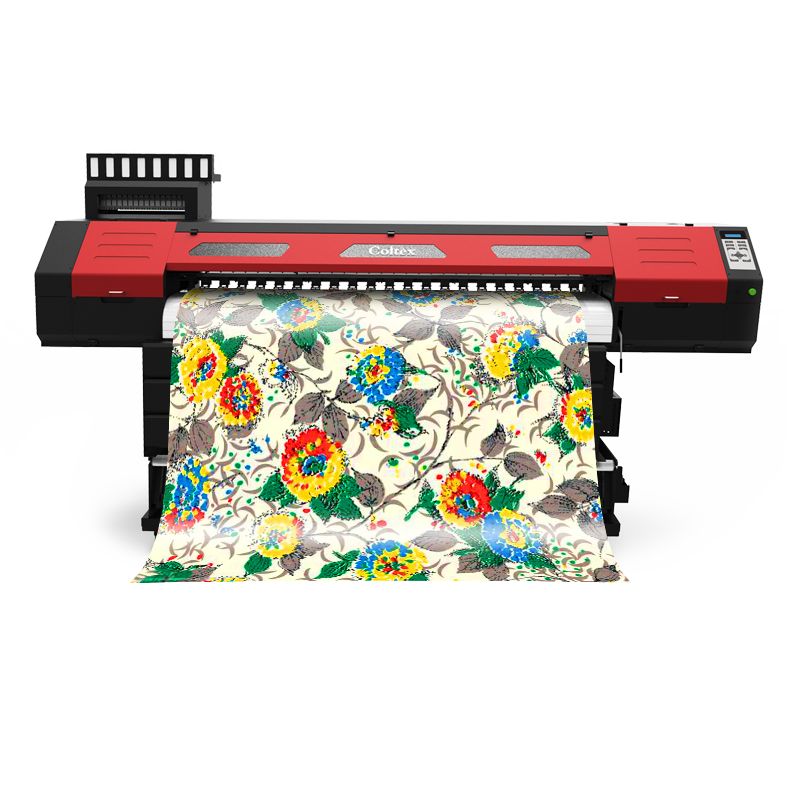



 English
  简体中文
简体中文